Start planning by creating a new client.
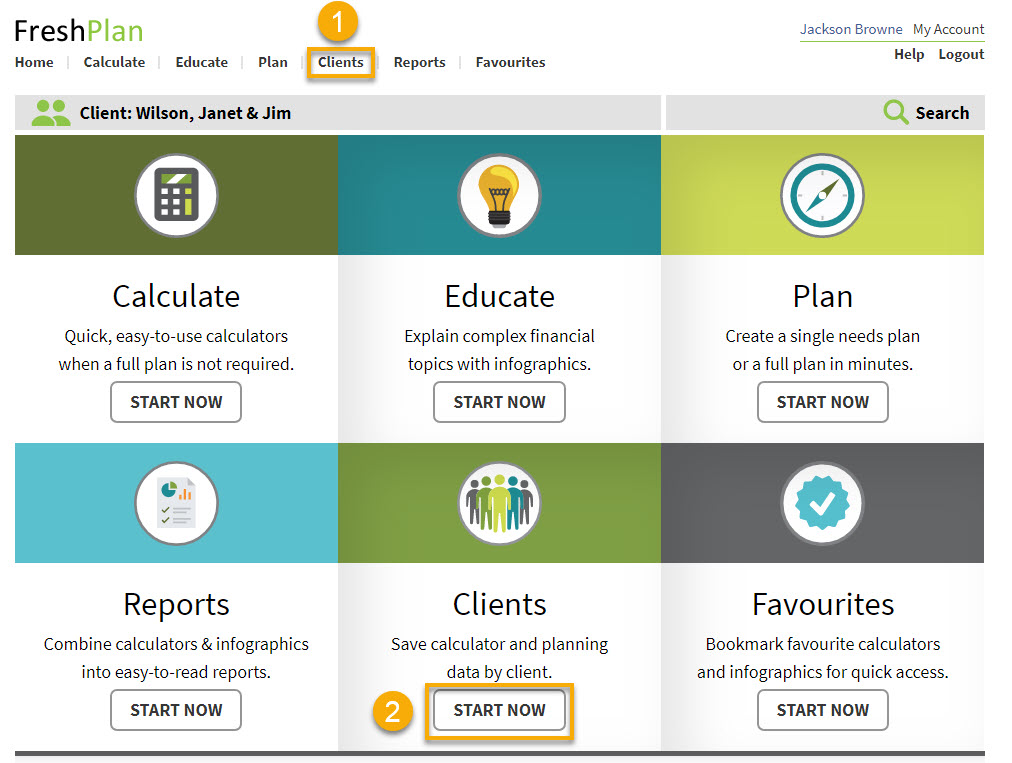
- Click Clients at the top of the FreshPlan screen OR
- Click Start Now just below the Clients icon.
NEXT
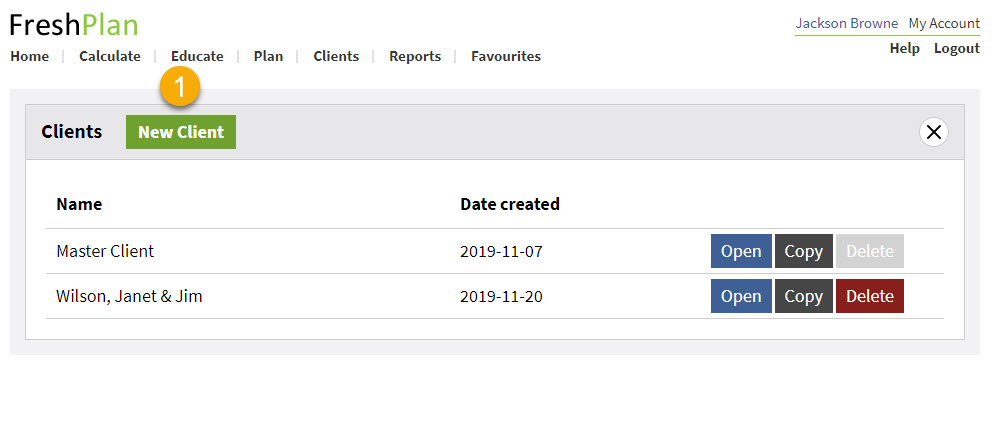
- Click New Client
NEXT
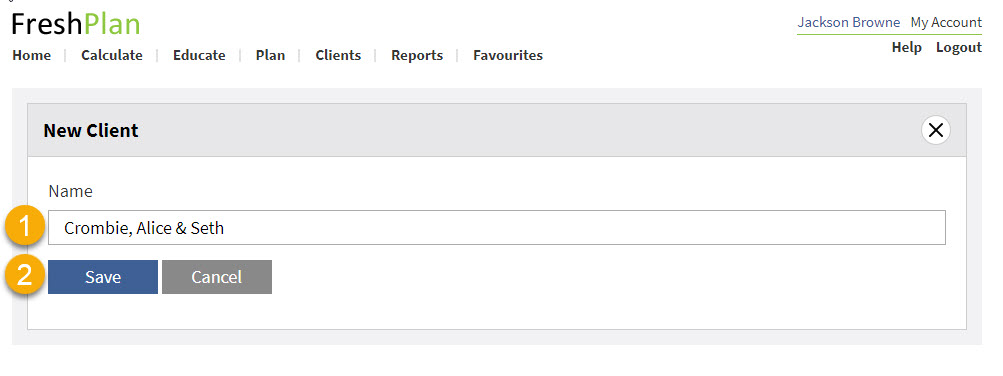
- Type in the name of the client
- Click Save
NEXT
- Click Open next to the new client’s name
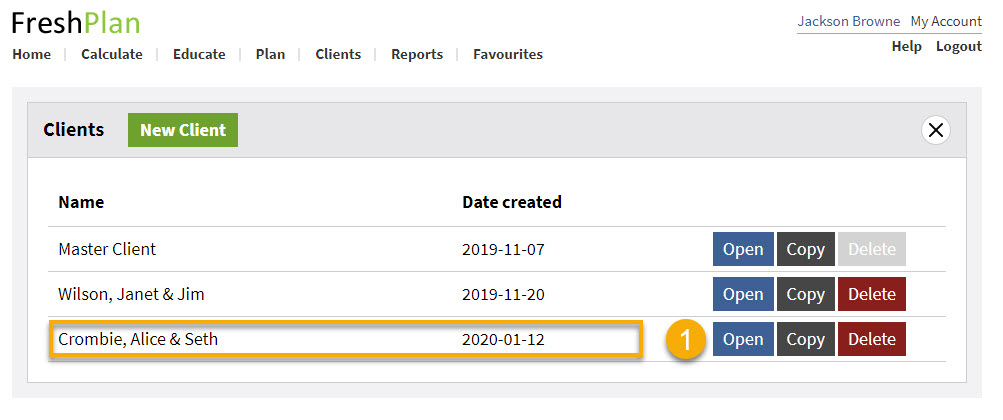
NEXT
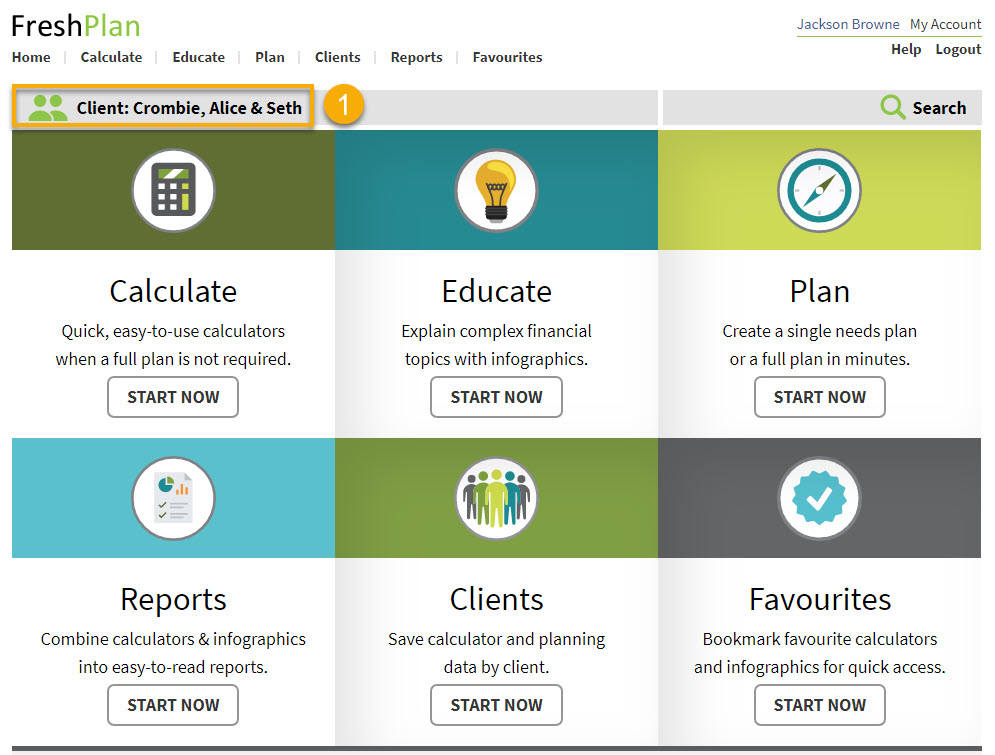
- The new client’s name appears on the home page. Any calculations you perform or reports you create will be saved under this client’s name.